On April 1, 2021, STEMpedia introduced PictoBlox Credits. These credits are used to perform advanced actions within PictoBlox, such as Text Recognition and Speech Recognition, etc.
To use PictoBlox Credits, users must create and verify an account. Upon signing up, 1,000 complimentary credits are immediately credited to the account. If you ever require additional credits, they can be purchased or redeemed directly through your profile.
PictoBlox Credits Utilization
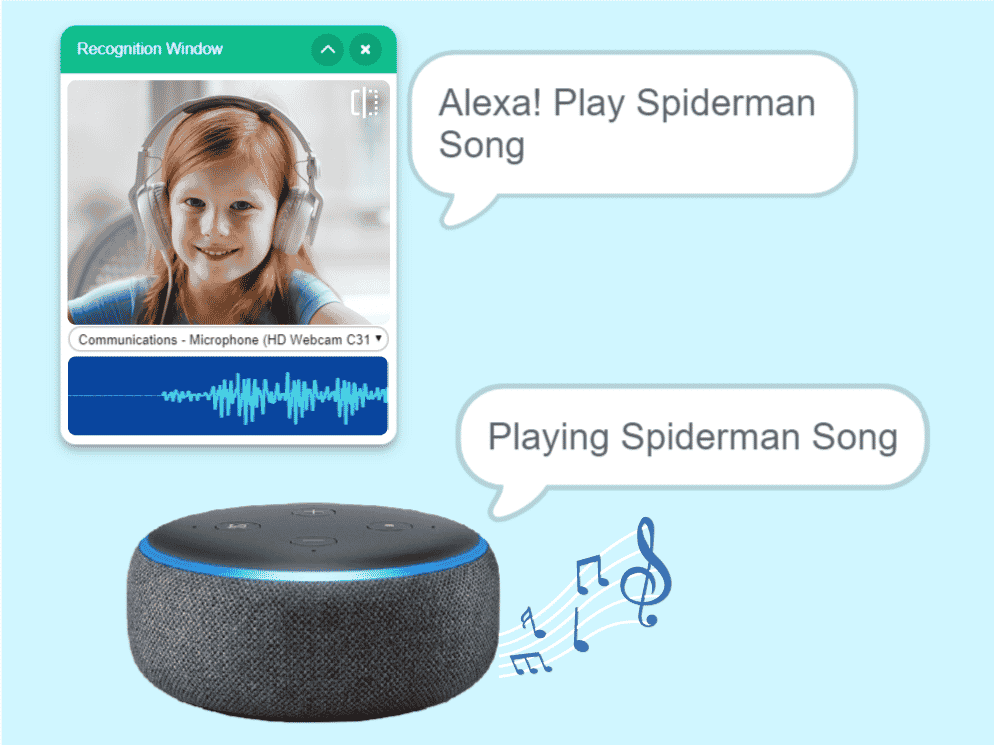
Speech Recognition
Extension: Artificial Intelligence Credits Utilized: 1 per second of speech recognized
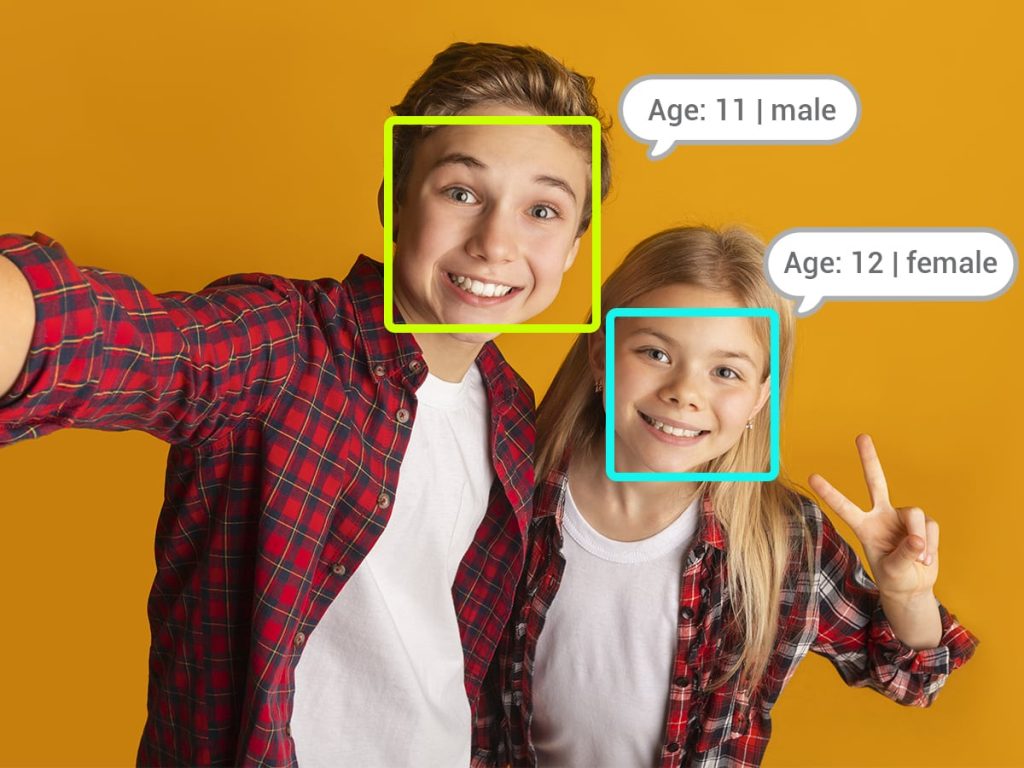
Face Recognition
Extension: Artificial Intelligence Credits Utilized: 4 per successful recognition
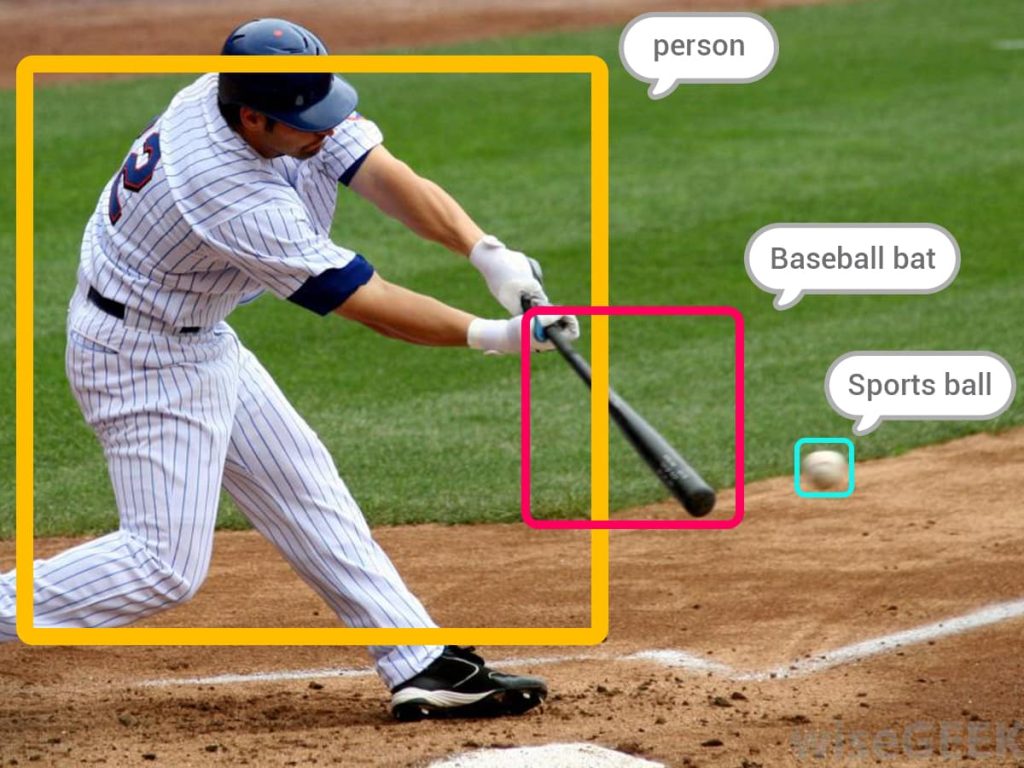
Computer Vision
Extension: Artificial Intelligence Credits Utilized: 18 per successful recognition
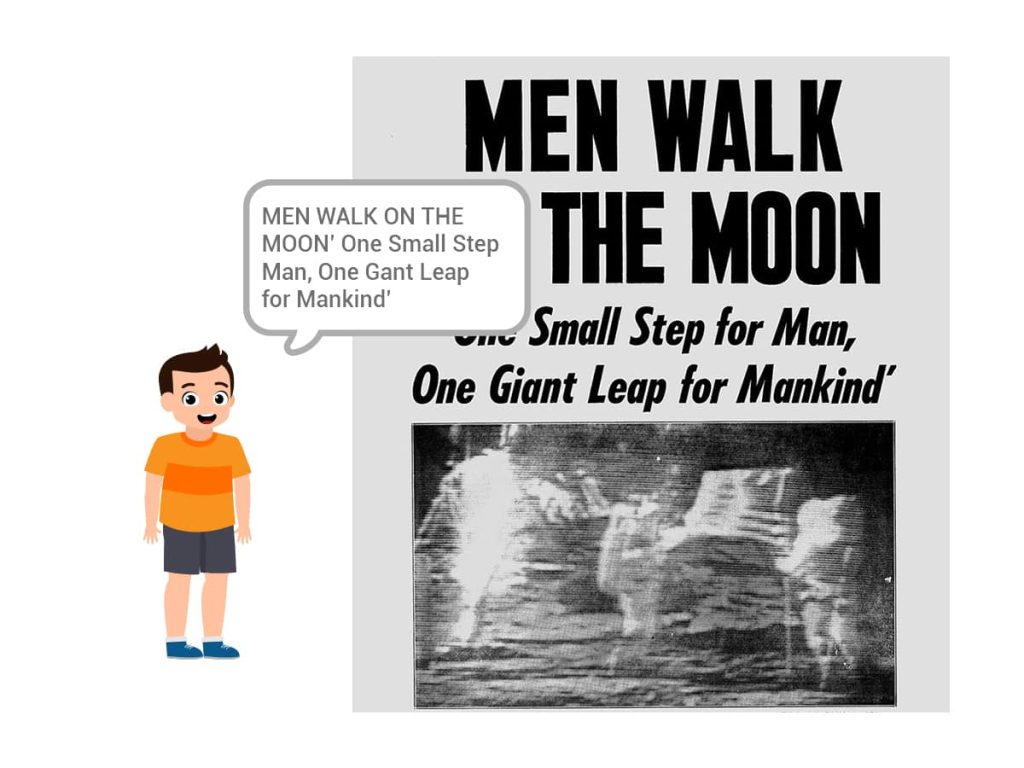
Text Recognition
Extension: Artificial Intelligence Credits Utilized: 18 per successful recognition
ChatGPT
Extension: ChatGPT Credits Utilized: 1 per block call
How to Redeem and Purchase Credits?
Process to Redeem Credits
Open PictoBlox and log into your verified account.
Click your Profile Icon in the top-right corner.
Select the Credits option from the menu.
In the input field next to Reedem, type or paste your unique voucher code into the input field.
Click Go to update your balance.
Process to Purchase Credits
Open PictoBlox or visit the STEMpedia website and log into your verified account.
Click your Profile Icon in the top-right corner.
Click on the Credits section, where you will be able to see your current credits.
Click on Purchase credits.
Select the credit package that fits your needs.
Follow the prompts to finish your purchase through the STEMpedia secure checkout.