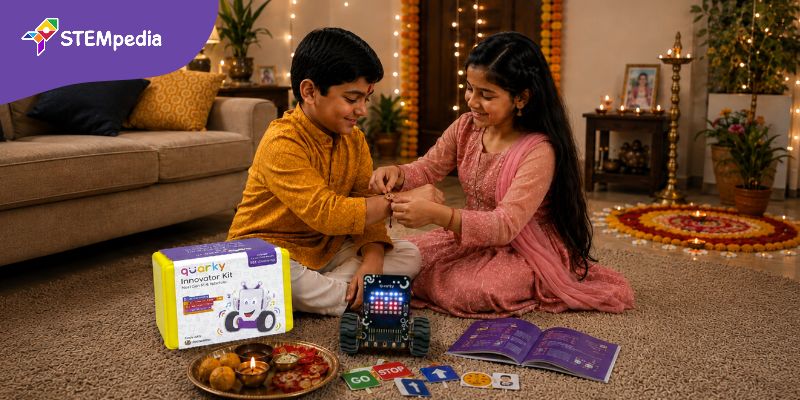
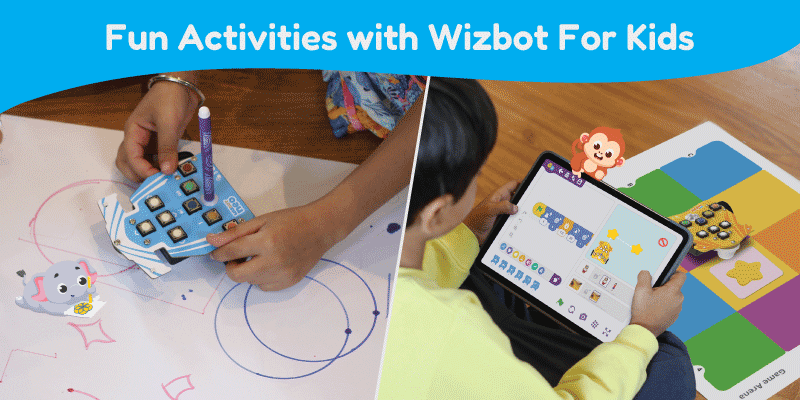
In a world where children are surrounded by screens, finding a way to teach them the “language of the future” without staring at a tablet can feel like a challenge. Enter Wizbot, the friendly, palm sized robot from STEMpedia designed to turn complex coding into a playground of imagination.
Wizbot is an educational robotics kit designed to introduce students to the fundamentals of coding, electronics, and artificial intelligence through hands-on learning. It is a button-based robot, allowing learners to control and interact with it directly using onboard buttons, making it especially suitable for screen-free learning. This approach helps younger students understand core concepts without relying heavily on computers, creating a more engaging and tactile learning experience.
Wizbot also works with beginner-friendly programming tools like PictoBlox when needed, with Junior Blocks students learn digital coding.
Wizbot can perform tasks such as obstacle avoidance and line following helping students understand how sensors and automation function in real-world systems.
Whether your child is a curious four-year-old or a tech-savvy ten-year-old, Wizbot is built to grow with them. It’s rugged, colorful, and most importantly fun. But how do you get started?
Here are a few activities to turn your living room or classroom into a hub of innovation.
The Great Obstacle Escape
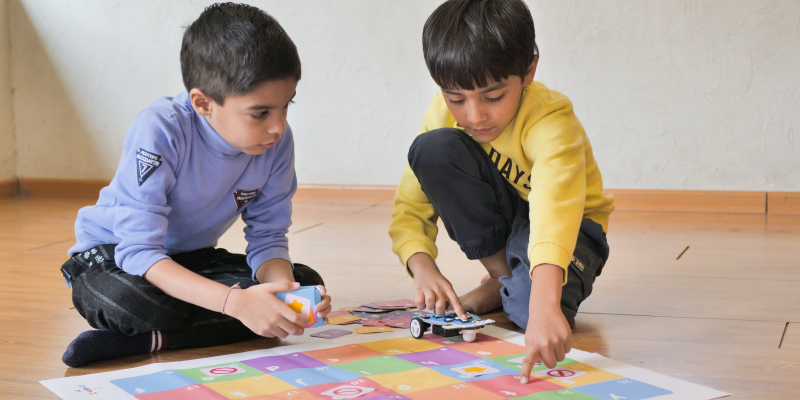
The Concept: Navigational Logic (Algorithms) Before touching a screen, kids can use the tactile buttons on Wizbot’s back to “program” its path.
- Grab some cushions, books, or toys and create a “Lava Field” or a maze on the floor.
- You must calculate the exact number of steps and turns needed to get Wizbot from the “Safe Zone” to the “Finish Line” without hitting an obstacle.
- It teaches kids to break down big problems into small, logical steps—the very core of computer programming.
Robo-Picasso’s Masterpiece
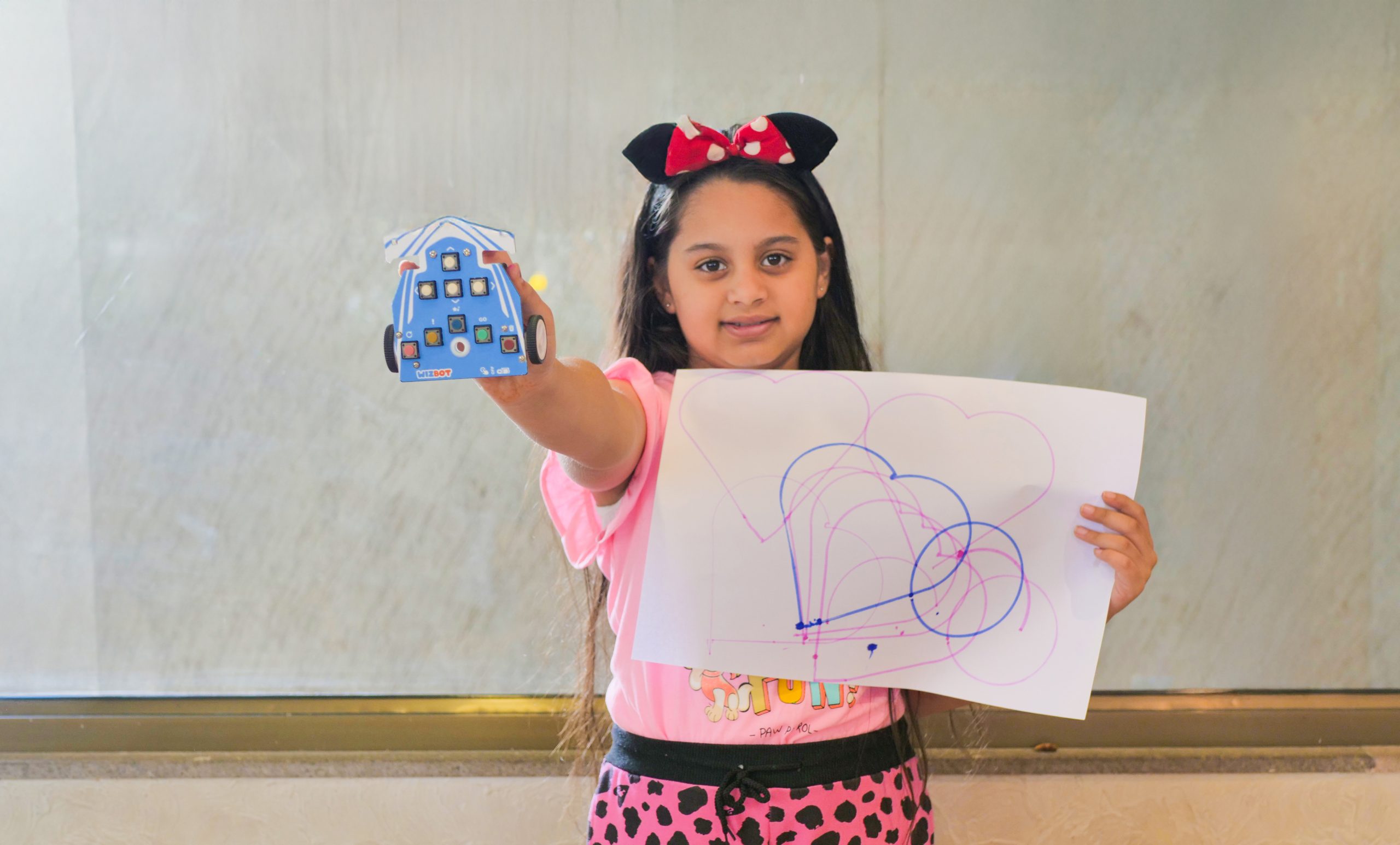
The Concept: Geometry & Art Wizbot has a secret talent: it’s an artist!
- Place Wizbot on a large sheet of paper and insert a colorful felt-tip pen into its central pen holder.
- Challenge yourself to code Wizbot to draw a perfect square, then a triangle. Once you master the basics, you can experiment with “Spirograph” patterns by adding slight turns to a repetitive sequence.
- It turns abstract math and angles into a tangible, colorful drawing.
The Spelling Safari
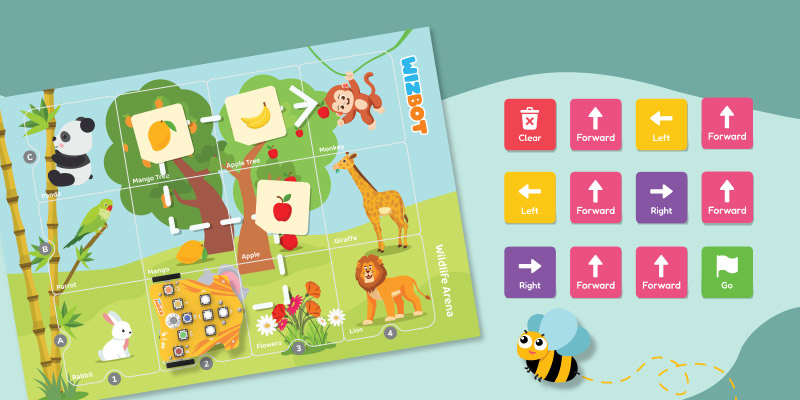
The Concept: Foundational Literacy Who says coding and English class don’t mix?
- Place letter cards on the floor or use the Wizbot Alphabet Arena.
- The Mission: “Wizbot is on a safari! You need to find the letters to spell L-I-O-N.” You must code the path to each letter in the correct order.
- It reinforces letter recognition and spelling through movement and play.
The Number Cruncher
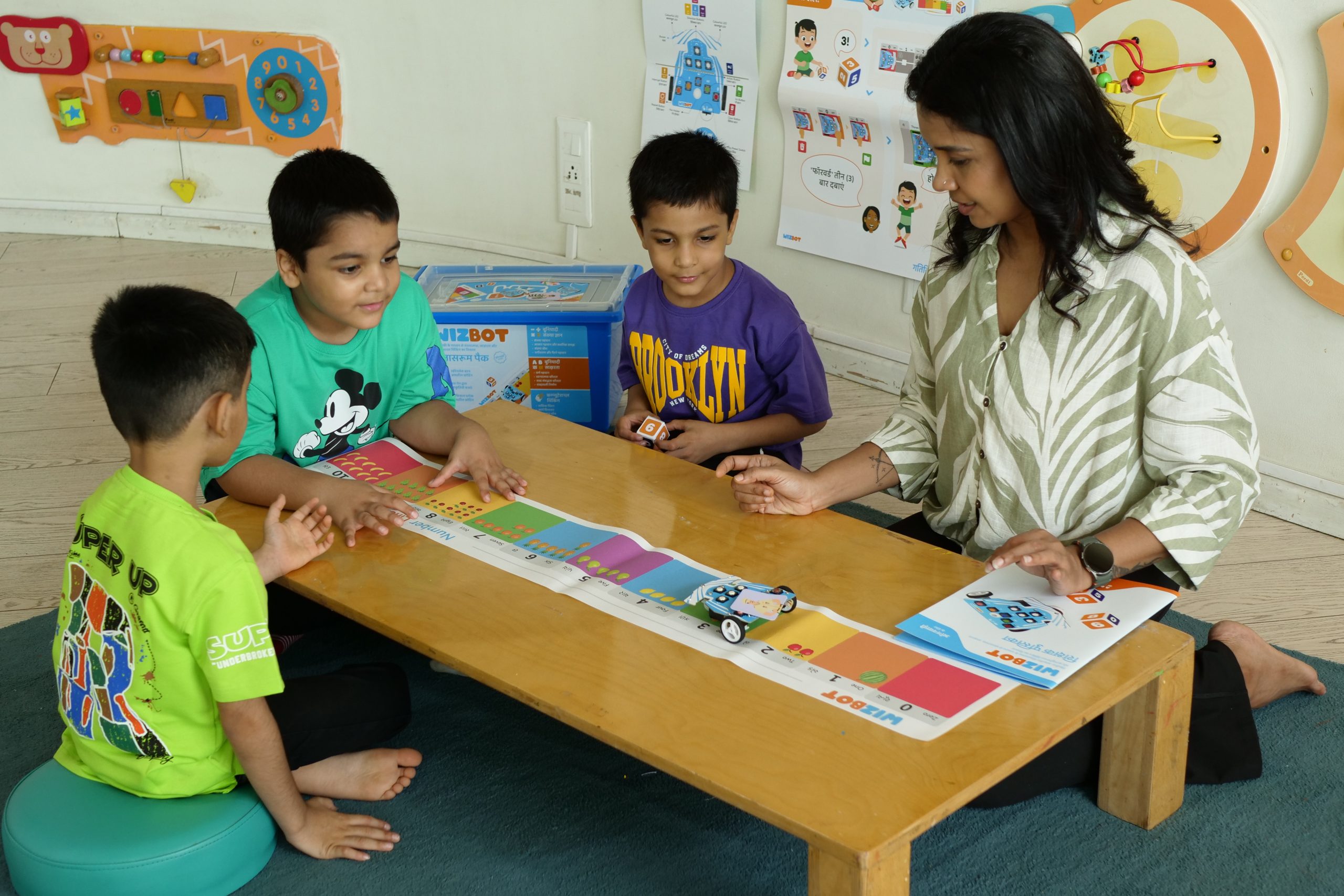
The Concept: Early Math & Mental Arithmetic
- Lay out a grid of numbers from 1 to 20 on the floor.
- Give your child a riddle: “I am a number that is 5 + 3. Can you send Wizbot to find me?” The child has to solve the math problem and then code the robot to drive to the number 8.
- It makes mental math interactive and rewards the correct answer with a robotic “victory dance.”
Copy-Cat Code Challenge
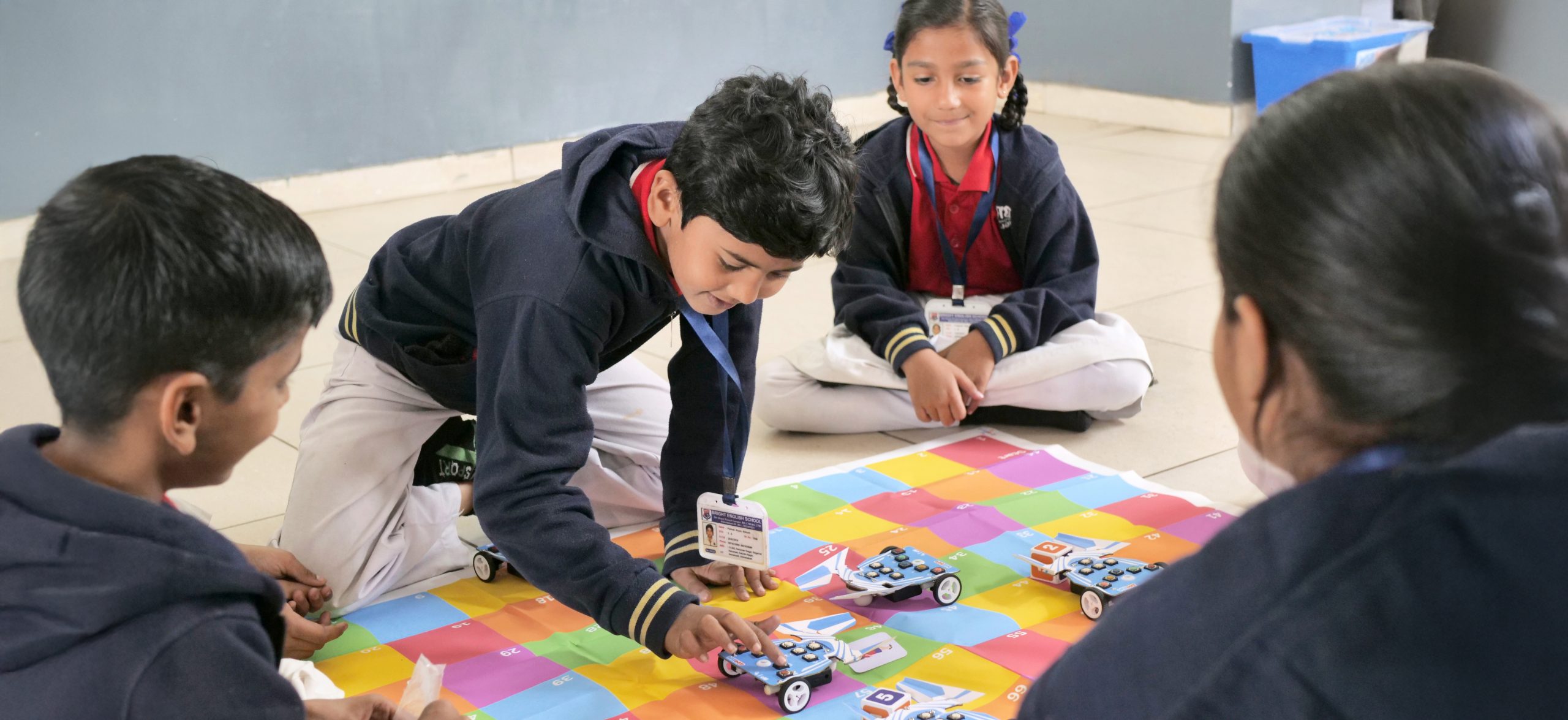
The Concept: Observation & Memory
- This is a game for two or more players.
- Player One (The Coder) inputs a secret sequence of 5 moves (e.g., Forward, Forward, Left, Back, Right) while Player Two looks away. When Player One hits “Go,” Player Two must watch Wizbot’s movement and try to guess the exact buttons that were pressed.
- It builds intense focus, observation, and memory retention.
The Gesture Control
The Concept: Introduction to Artificial Intelligence Ready for some “real” magic? It’s time to pair Wizbot with the PictoBlox’s Junior Blocks.
- Use the AI extensions in the Junior Blocks to activate “Human Body Detection.”
- Program Wizbot to follow the child’s hand. When they wave their hand to the right, Wizbot turns right. It’s like having a robotic pet that obeys your every gesture.
- It demystifies AI, showing kids that technology can “see” and “react” to the physical world.
The Line Follower Bot
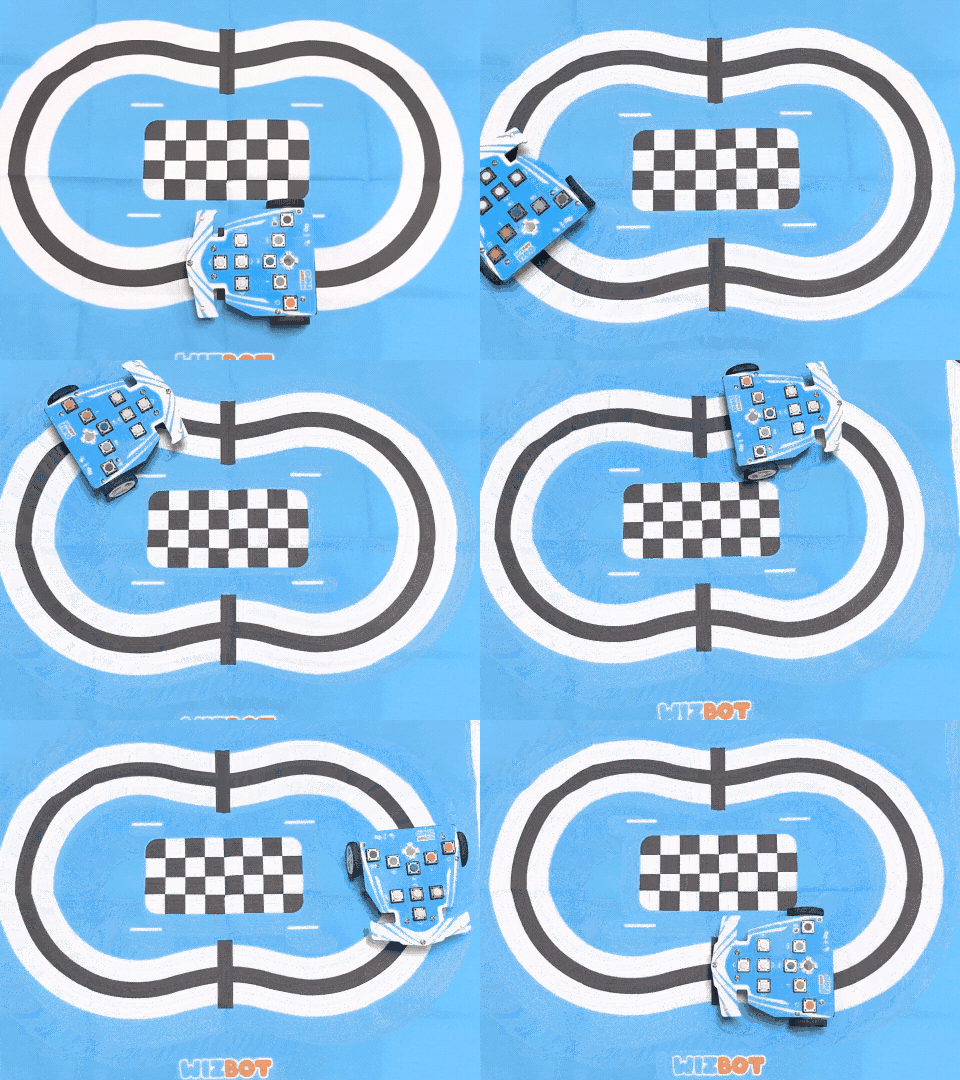
The Concept: Loops & Sensory Output
-
Create a path using black tape or draw a dark line on a white surface to act as a track. Design it like a road with curves, turns, or even a simple maze to make it more engaging.
-
Wizbot must follow the line from start to finish without going off track. The kid has to code the bot using line-following sensors so it can detect the path and adjust its movement automatically. If Wizbot loses the line or moves outside the path, the attempt fails, and they have to rethink their sensor logic, speed, or turning response.
-
It introduces the idea of sensor-based navigation and how robots in the real world follow paths, like warehouse robots, delivery bots, and even self-driving cars that stay within lanes.
The Delivery Bot
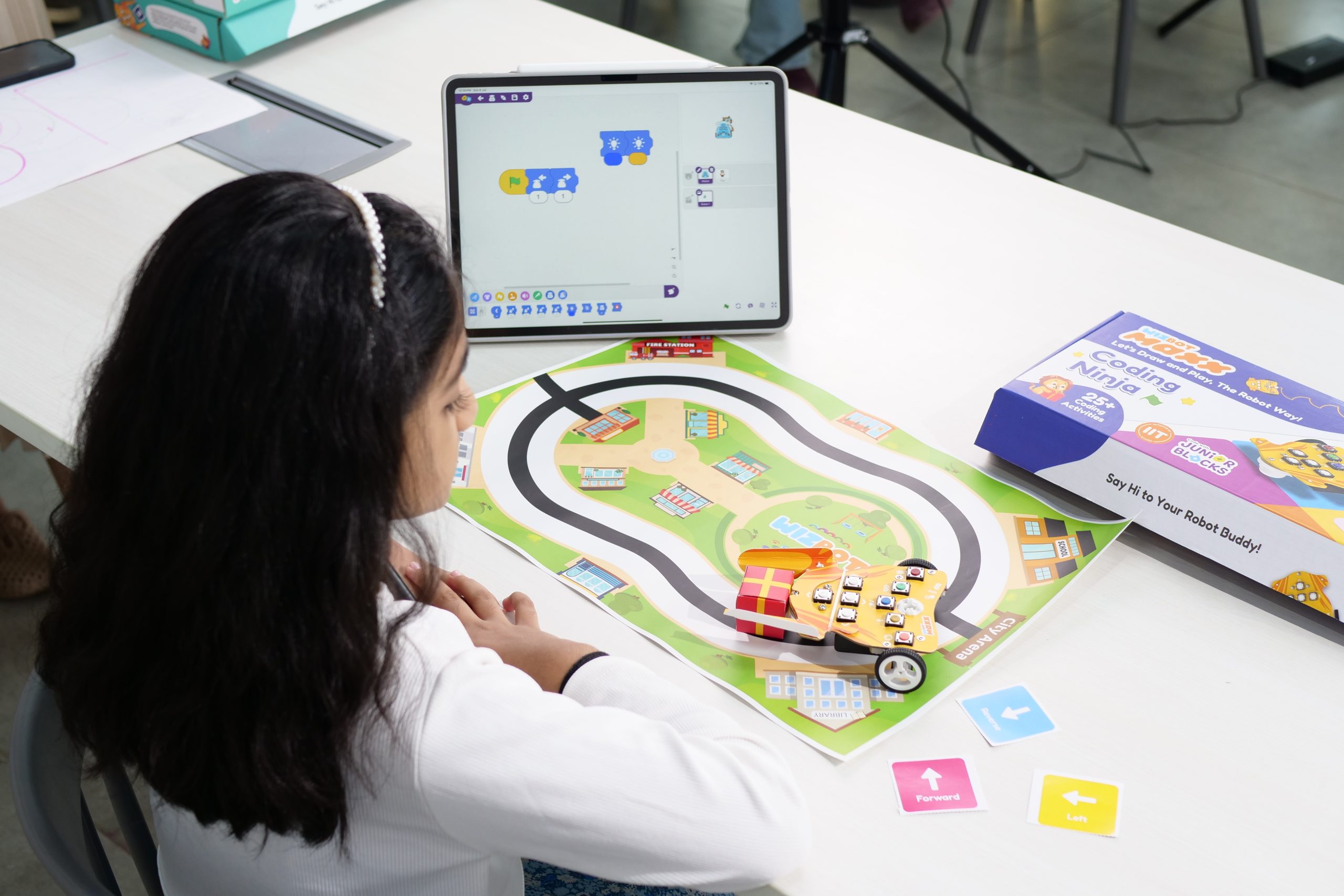
The Concept: Real-World Logic
- Create two stations: “The Pizza Shop” and “The House.” Place a small light object (like a folded paper “pizza”) on top of Wizbot.
- Wizbot must deliver the pizza without dropping it. The kid has to code a smooth path with gentle turns. If the pizza falls, the “delivery” fails, and they have to rethink their speed or turn angles.
- It introduces the idea of “payload” and how robots are used in the real world for logistics and transport.
The Learning Outcomes: What’s Really Happening?
While it looks like pure play, these activities are building a massive intellectual foundation. By playing with Wizbot, children develop:
- Computational Thinking: Learning to sequence tasks.
- Debugging Skills: Learning that “mistakes” are just problems to be solved.
- Spatial Awareness: Understanding distance, direction, and 3D space.
- Confidence: Moving from being a “user” of technology to a “creator.”
In a Nutshell
Wizbot isn’t just a robot; it’s a gateway. It takes the scary, “adult” concept of coding and shrinks it down into something a child can hold, draw with, and dance with. By the time they move on to more complex languages like Python, they won’t be afraid—because they’ll remember that at its heart, coding is just about telling a friend how to find their way through a maze.