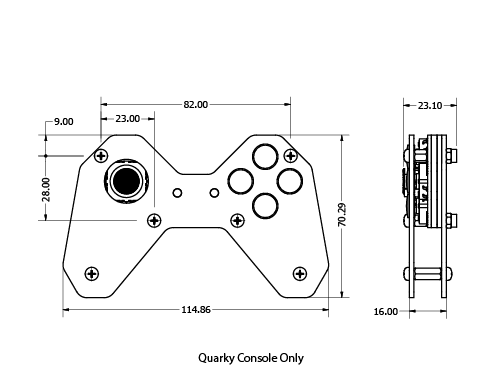
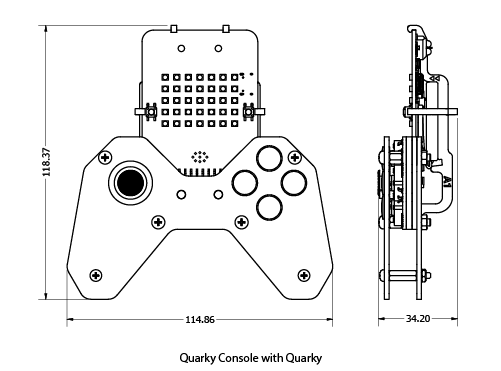

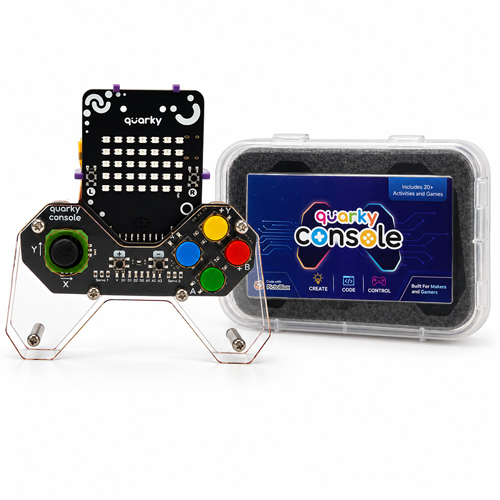
Product Dimensions
Notes:
1. All dimensions are in millimetres (mm).
2. Dimensions are approximate and may vary slightly.
3. Illustrations are for reference only.
Quarky Console Pin Map
| Console Buttons | Quarky Pins | Quarky ESP Pin | Value When Active | Value when Idle |
|---|---|---|---|---|
| X | A3 | IO39 | 50-250 | 0 |
| Y | A3 | IO39 | 1800-2000 | 0 |
| A | A3 | IO39 | 800-1000 | 0 |
| B | A3 | IO39 | 350-550 | 0 |
| (Plus) | D2 | IO19 | 1 | 0 |
| (Minus) | D3 | IO26 | 1 | 0 |
| Slide Thumbstick - X Axis | A1 | IO33 | 0-4095 | 1750-1850 |
| Slide Thumbstick - Y Axis | A2 | IO32 | 0-4095 | 1850-1950 |
| N/A | D1 | IO18 | 1 | 0 |
| N/A (Left Output Pad) | S1 | IO22 | 255 | 0 |
| N/A (Right Output Pad) | S2 | IO23 | 255 | 0 |
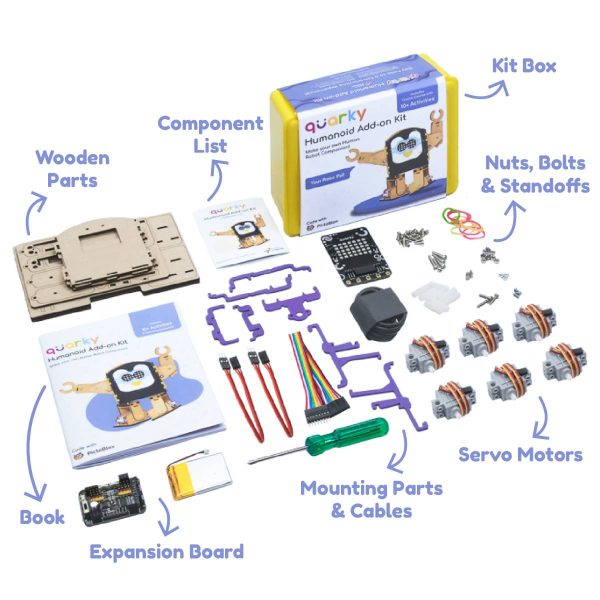
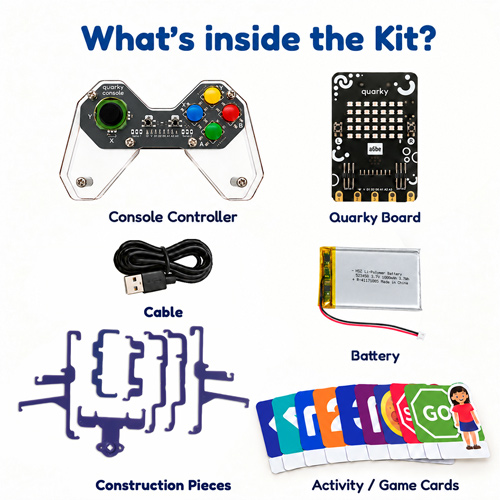
What's Inside the Kit?
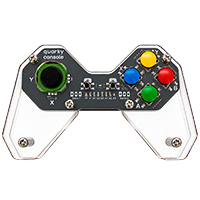
1x Quarky console
What's Inside the Kit?
1x Quarky console
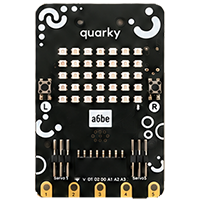
1x Quarky Board
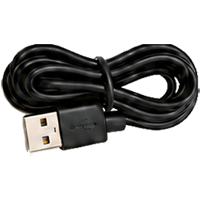
1x USB - C Cable
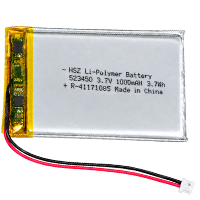
1x 1000mah 3.7V Battery
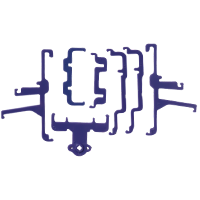
1x Quarky purple plastic parts
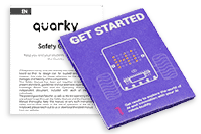
1x Safety Guide and User Manual
FAQs
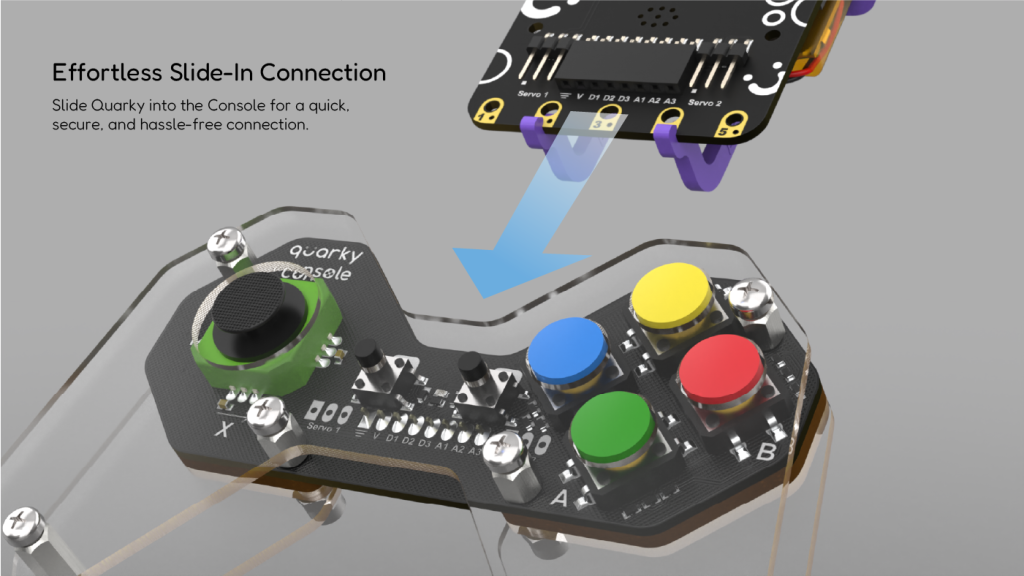
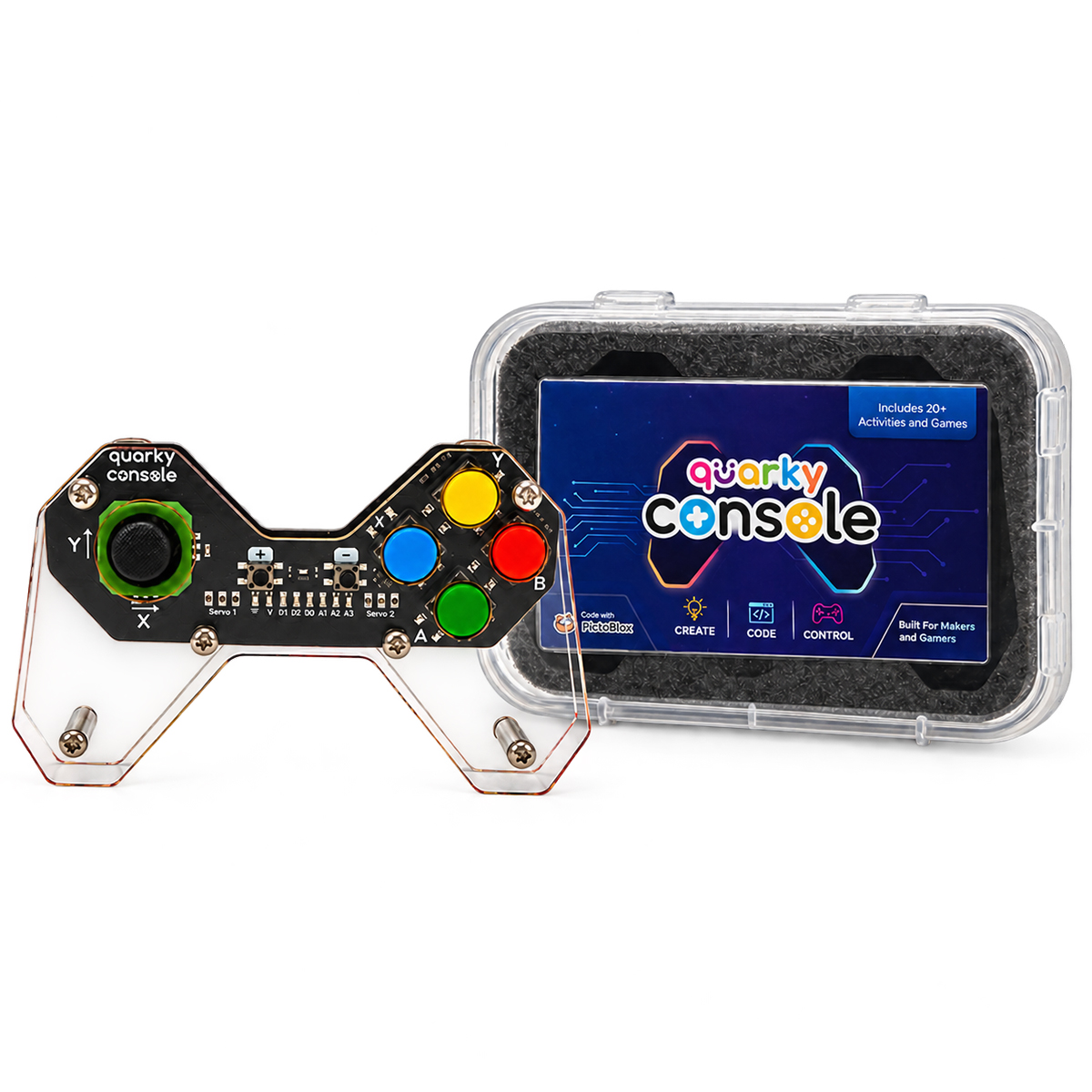
Quarky Console is a programmable joystick and button controller expansion board for Quarky. It allows children to play games, control robots and machines, and create interactive PictoBlox projects.
The Quarky Console is suitable for children aged 6 years and above, making it a great choice for young learners, students, educators, and robotics enthusiasts.
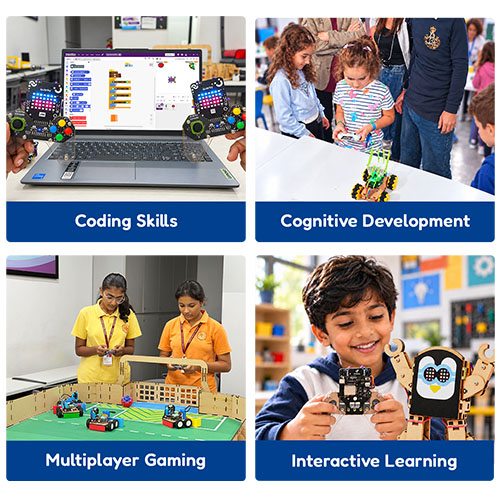
Children learn how game controllers work, understand joystick movements, button inputs, coordinates, and control logic. They also develop coding skills, logical thinking, problem-solving, and creativity through interactive projects.
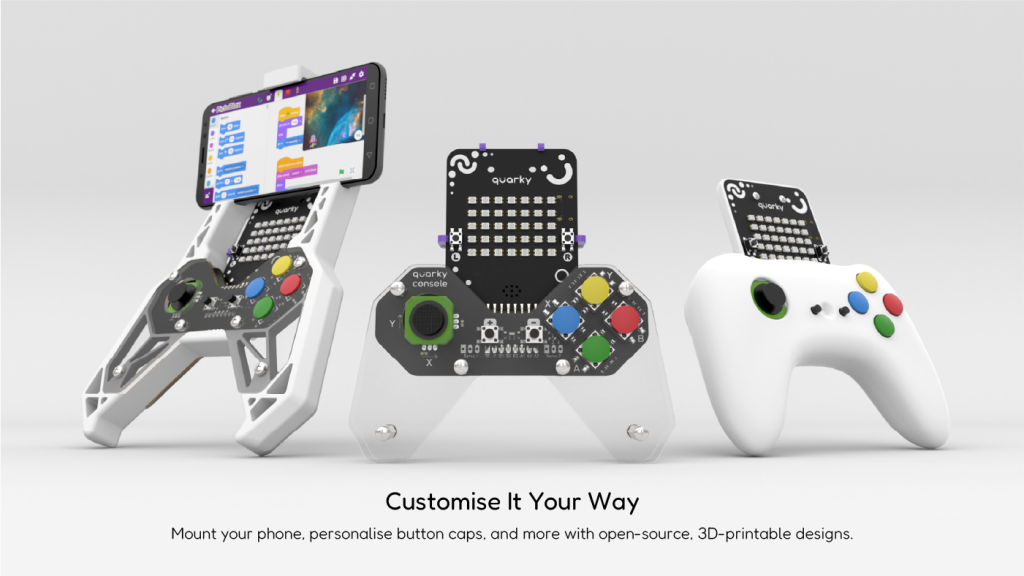
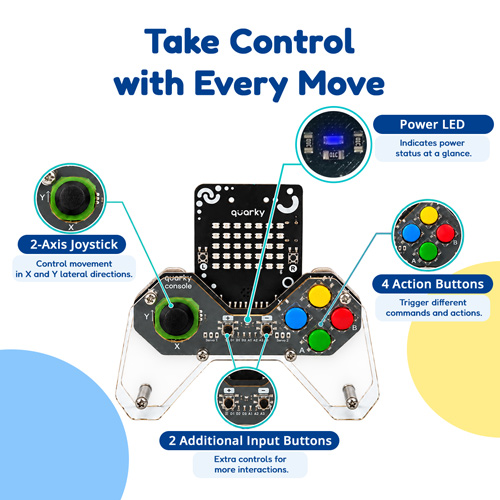
The Quarky Console features a two-axis analog joystick, four action buttons, and two additional programmable buttons. It also includes open pads for adding extra components such as vibration motors or LED lights.
Yes! Children can use the joystick and buttons to play interactive games and explore different gaming experiences through PictoBlox.
Yes. The Quarky Console can be used to control Quarky-powered robots and machines. With Quarky Connect, a single controller-equipped Quarky can control multiple robots simultaneously.
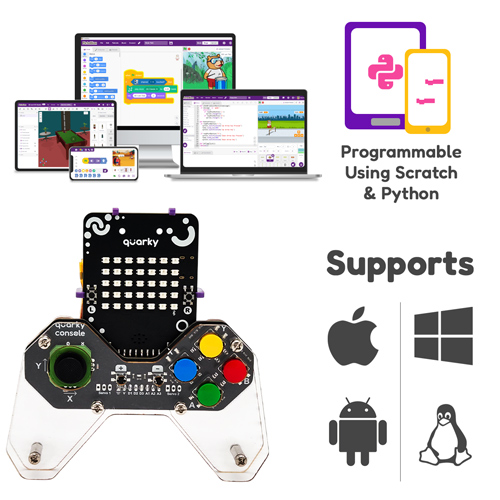
No prior coding experience is required. Children can get started with easy-to-use block-based coding in PictoBlox and gradually explore Python programming.
PictoBlox is an educational coding platform that supports block-based and Python programming. It allows children to program joystick movements and button inputs to create games, control robots, and build interactive projects.
Yes, the Quarky Console includes open pads that allow users to add extra components such as vibration motors and LED lights, providing more opportunities for customisation and experimentation.
Children can explore 20+ hands-on activities, including playing games, controlling robots, customising joystick and button controls, and creating interactive coding projects.
Yes, Quarky Console supports both USB-C wired and Bluetooth wireless connections, giving you the flexibility to play your way.
Yes, with the Quarky Connect feature, you can control multiple robots using a single Quarky Console.
Absolutely! Connect multiple Quarky Consoles to enjoy multiplayer games with friends.